CyberTron had memory.
Thirty-two gigabytes of it.
After surviving what should have been a simple $25 RAM upgrade — and somehow turning that into an entire episode worth of troubleshooting — the old AMD FX machine was finally starting to look less like a forgotten desktop and more like an actual server.
Ubuntu Linux was running.
Docker was running.
Ollama was running.
Open WebUI was running.
And I could run local AI models.
Technically.
There was just one problem.
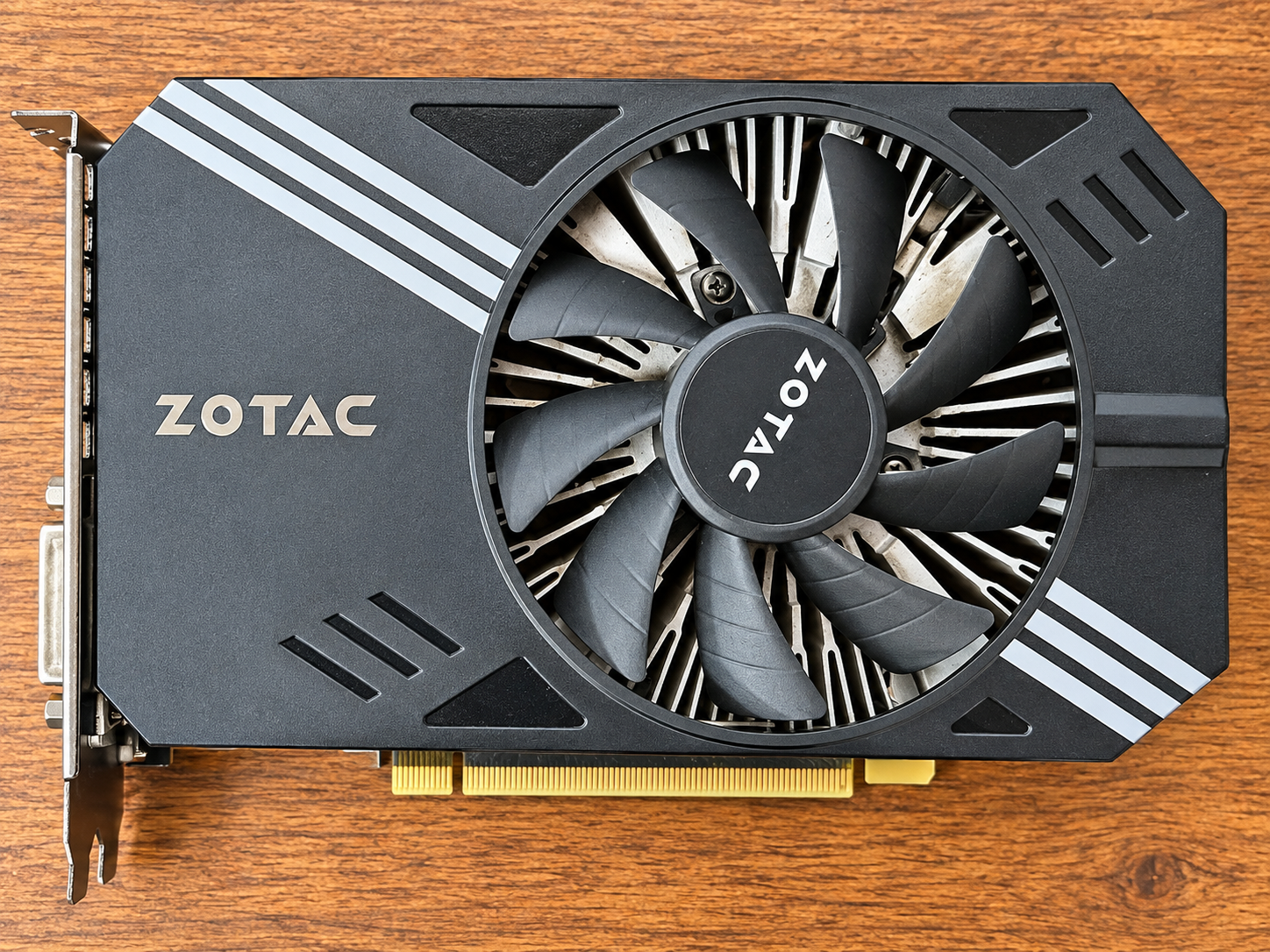
CyberTron was still wearing a GTX 1060 with 6 GB of VRAM.
|
And once you start experimenting with local AI, you learn something very quickly:
System RAM is important.
But VRAM is where the real fight begins.
The GTX 1060 Wasn’t Dead — It Was Just Outmatched
|
I want to give the GTX 1060 some credit.
That card had absolutely no business being part of an AI server project in 2026, yet there it was, happily running CUDA workloads and proving that CyberTron could actually use a GPU for local inference.
For testing the concept, it was perfect.
The GTX 1060 answered one very important question:
Could this ancient machine actually become a usable local AI server?
|
Yes.
It could.
But six gigabytes of VRAM put a very low ceiling on what I could do with it.
Smaller models worked.
Larger models became much more complicated.
Context size mattered.
Quantization mattered.
How much of the model could fit onto the GPU mattered.
And once parts of a model started spilling out of VRAM and back toward system memory and CPU processing, performance could fall off quickly.
CyberTron worked.
Now I wanted it to work better.
That meant it was time to go GPU shopping.
Buying a GPU for AI Is Different
|
If I were building a gaming machine, this decision would have looked completely different.
I wasn’t chasing frame rates.
I wasn’t trying to play the newest AAA game at 4K.
Ray tracing performance wasn’t anywhere near the top of my list.
For CyberTron, I cared about something much less glamorous:
Local AI models have to live somewhere while they’re running, and the more of that model you can keep in GPU memory, the better.
So my eBay GPU shopping list looked something like this:
- NVIDIA
- CUDA support
- Enough performance to justify the upgrade
- Compatible with the old CyberTron hardware
- Reasonable power requirements
- And most importantly, more VRAM
|
That last requirement eliminated a surprising number of otherwise newer GPUs.
I kept coming back to one card.
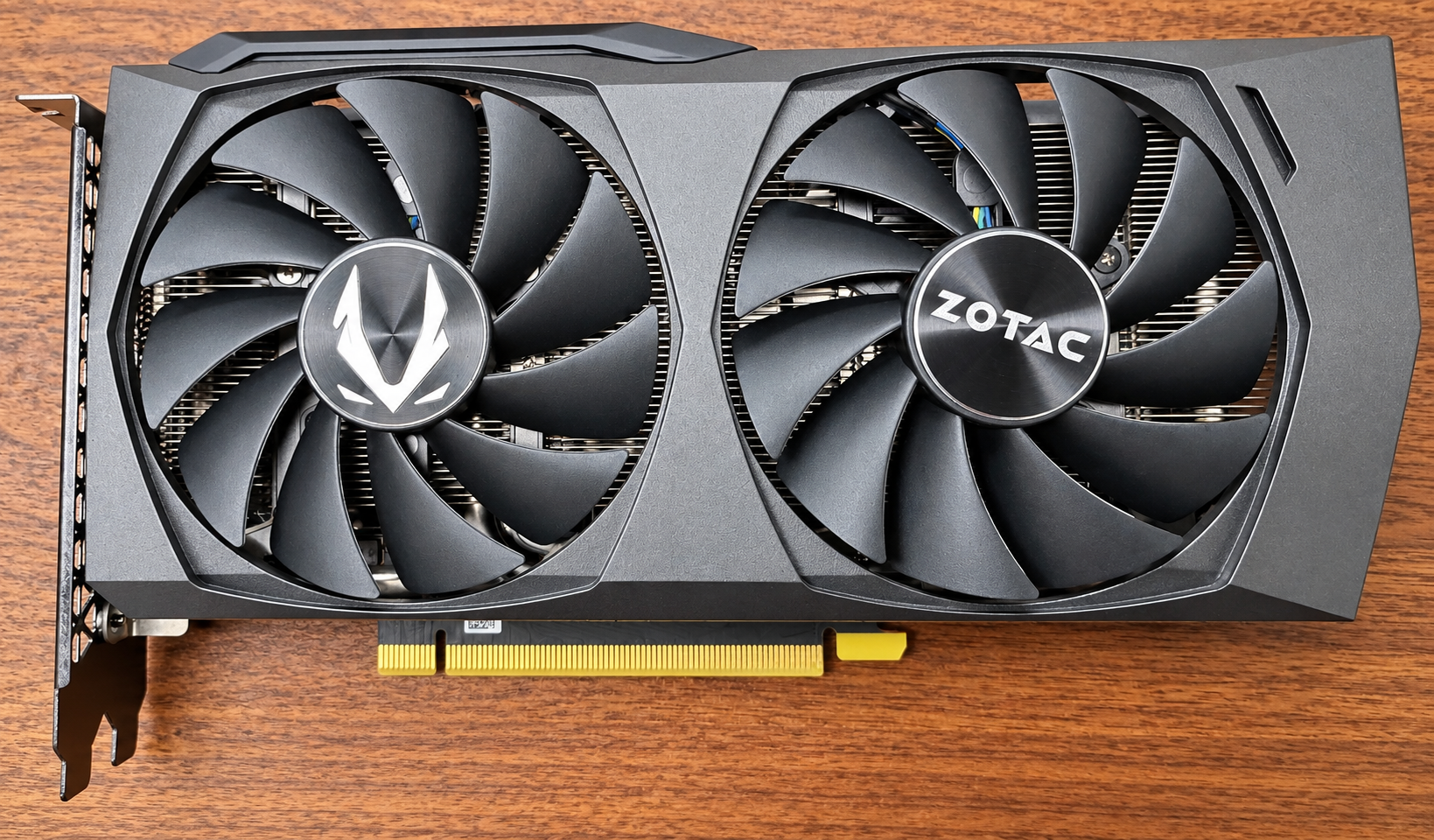
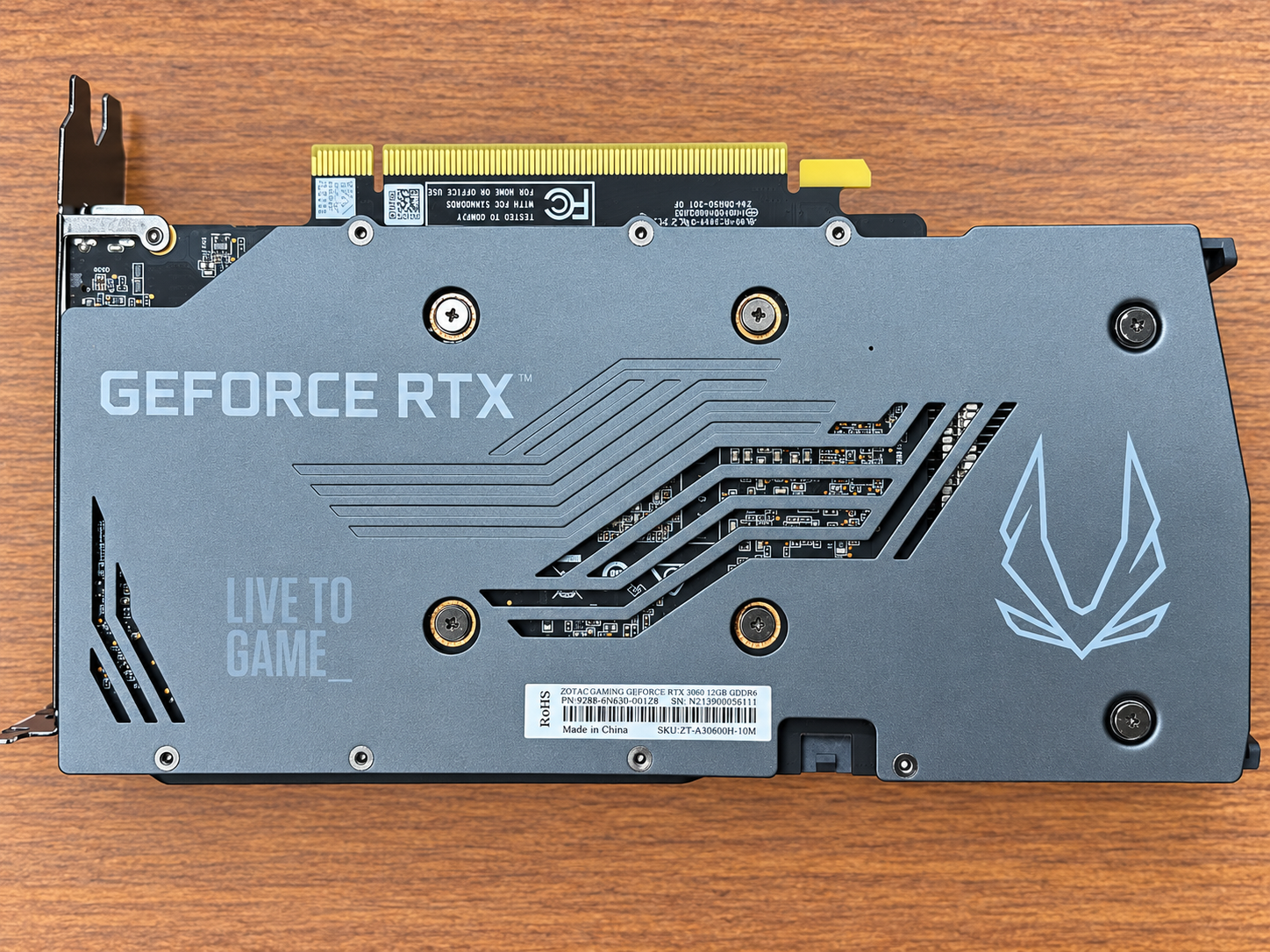
The RTX 3060 12 GB.
Yes.
An RTX 3060.
In 2026.
On paper, buying an RTX 3060 several generations after its introduction sounds like a strange decision.
For this project, though, it made a ridiculous amount of sense.
The reason is right there in the name of the model I wanted:
The RTX 3060 gave CyberTron twice the VRAM of the GTX 1060.
6 GB became 12 GB.
That was a much more important upgrade to me than simply buying a newer GPU with less memory.
Local AI has created a weird secondary life for some graphics cards.
A GPU that might no longer be particularly exciting to someone chasing the latest gaming benchmarks can still be extremely useful when the workload is AI inference.
And CyberTron wasn’t supposed to be a benchmark queen.
The entire point of this project was to see how much useful AI infrastructure I could build from inexpensive, aging hardware.
The RTX 3060 fit that philosophy almost perfectly.
It wasn’t the newest card.
It wasn’t the fastest card.
It wasn’t some monster datacenter GPU.
But it had 12 GB of usable VRAM and CUDA support.
That was exactly what I needed.
The Upgrade Had to Make Sense for the Machine
|
There was another reality I couldn’t ignore.
CyberTron is built around an old AMD FX-era platform.
Throwing an extremely expensive modern GPU into this machine would have been ridiculous.
At some point, the GPU would become worth several times more than everything else in the box combined.
Worse, I’d still be attaching that GPU to an aging motherboard, aging CPU architecture, and an old platform that was never designed with local generative AI in mind.
That isn’t really the spirit of this project.
CyberTron started as a $150 experiment.
The fun is in pushing that platform until we find its real limits.
So instead of asking:
What’s the fastest GPU I can buy?
The better question was:
What’s the GPU that gives this machine the biggest practical AI upgrade without completely defeating the purpose of the build?
For me, that was the RTX 3060 12 GB.
Then There Was the Power Supply
|
Of course, GPUs require power. And when you’re upgrading old hardware, every improvement seems to uncover another question.
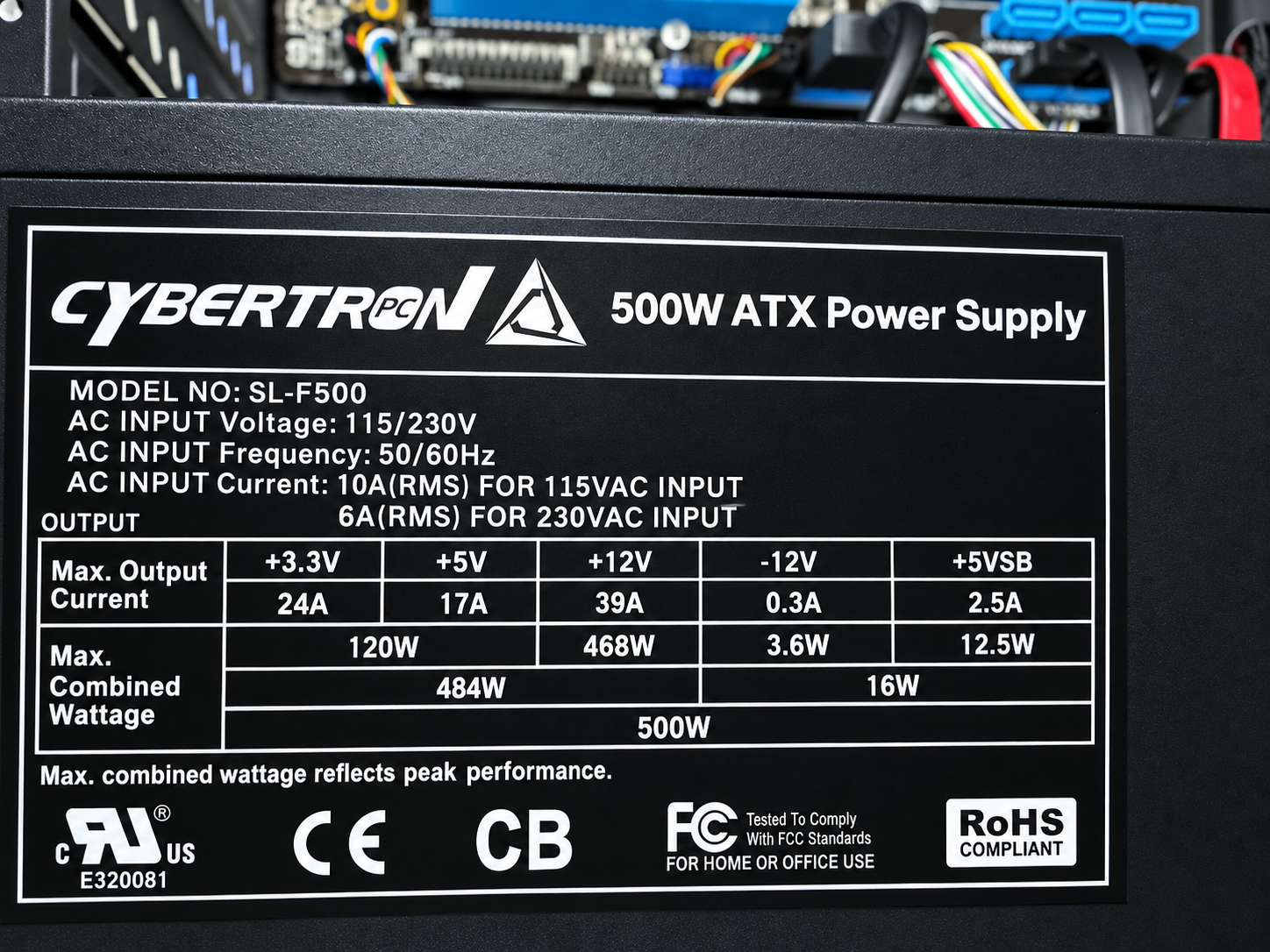
The original build came with a 500W ATX power supply. I decided I should upgrade it to ensure the new RTX 3060 would have plenty of power while also giving me some headroom for a future GPU upgrade.
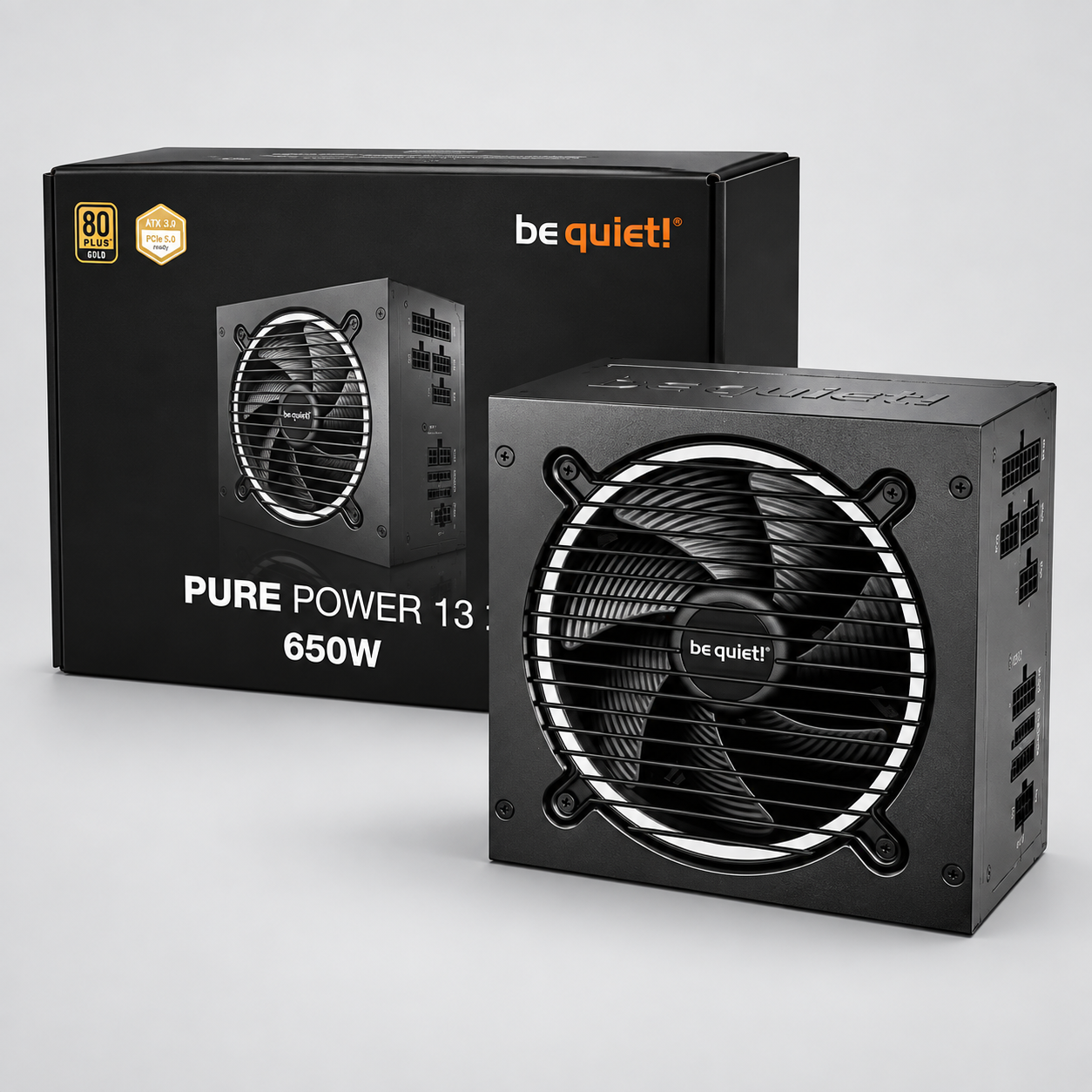
After hitting Amazon, I decided on a be quiet! Pure Power 12 650W power supply with 80 Plus Gold efficiency, ATX 3.1, and PCIe 5.1 GPU support.
After waiting through the two-day Prime shipping, another upgrade began.
CyberTron was now running a 650-watt power supply, which gave me enough room to install the RTX 3060 without turning the power supply into the next episode of The Upgrade From Hell.
At least that was the plan.
The 3060 went in.
Ubuntu saw it.
The NVIDIA drivers worked.
CUDA worked.
Ollama saw the GPU.
And suddenly CyberTron had 12 GB of VRAM available for local AI workloads.
That was the point where this project changed.
Again.
Now Let’s Give It Something Bigger
|
The GTX 1060 had been enough to prove the concept.
The RTX 3060 gave me room to actually start experimenting.
One of the models I tested was Qwen3 8B.
CyberTron loaded it completely onto the GPU.
That was exactly what I wanted to see.
Then I started increasing the context window.
4,096.
8,192.
16,384.
CyberTron kept going.
That alone was a major improvement over what I had been working with.
But naturally, that wasn’t enough.
If an 8-billion-parameter model worked, there was another obvious question.
So I loaded Qwen3 14B.
This model occupied roughly 9.6 GB and still fit inside the RTX 3060’s 12 GB of VRAM.
Again:
I tested the context at 4,096.
Then 8,192.
Then 12,288.
And the damn thing ran.
On CyberTron.
The same machine that began this project as a $150 AMD FX-era desktop.
That was the moment the RTX 3060 purchase made sense.
Not theoretically.
Not because of somebody else’s benchmark.
Not because a YouTube reviewer told me it was a good AI card.
Because I watched CyberTron run the models myself.
|
Twelve Gigabytes Changes the Machine
|
Doubling VRAM didn’t just make CyberTron faster.
It changed what I could realistically experiment with.
That’s the distinction that matters.
With 6 GB, I was constantly thinking about whether something would fit.
With 12 GB, I suddenly had room to test larger models, larger context windows, and more capable local AI configurations.
I’m still dealing with an old AMD FX processor.
I’m still dealing with DDR3.
I’m still dealing with a machine whose architecture comes from another era.
The RTX 3060 doesn’t magically erase any of that.
But local AI workloads are unusual.
If you can keep most or all of the model on the GPU, an old computer can suddenly become much more useful than its age would suggest.
And that is exactly what CyberTron is proving.
Is an RTX 3060 the Best AI GPU in 2026?
|
No.
Not even close.
There are dramatically faster GPUs.
There are GPUs with far more VRAM.
There are dedicated AI accelerators and professional cards that would make the RTX 3060 look tiny.
But that isn’t really the question I’m trying to answer with CyberTron.
I’m not building the fastest AI server possible.
I’m trying to answer something much more interesting:
How much local AI can you actually build without spending a fortune?
|
That’s why I bought an RTX 3060 in 2026.
Not because it was new.
Not because it was the fastest.
Because 12 GB of VRAM gave this old machine exactly what it needed to move into the next class of local AI models.
For CyberTron, that made it a hell of an upgrade.
And Then I Looked at the Hard Drive
|
At this point, CyberTron had gone from:
- 16 GB of RAM to 32 GB
- GTX 1060 6 GB to RTX 3060 12 GB
- Basic local AI experiments to running larger models entirely on the GPU
|
The machine was getting better remarkably quickly.
There was just one component still dragging the entire thing backward through time.
The system drive.
CyberTron was still running from a mechanical hard drive.
Spinning rust.
I had upgraded the memory.
I had upgraded the GPU.
I had upgraded the power supply.
And now every boot, package operation, Docker workload, model operation, and disk-intensive task was reminding me that somewhere inside this increasingly capable AI server was still a platter spinning around like it was waiting for Windows 7 to come back.
That had to go.
So the next job was obvious.
Except replacing the system drive meant moving an already-working Linux installation onto an SSD without destroying everything I had built so far.
What could possibly go wrong?
Next: Building CyberTron — The Storage Migration: From Spinning Rust to SSD
|